LOVE Studio
A downloadable tool for macOS
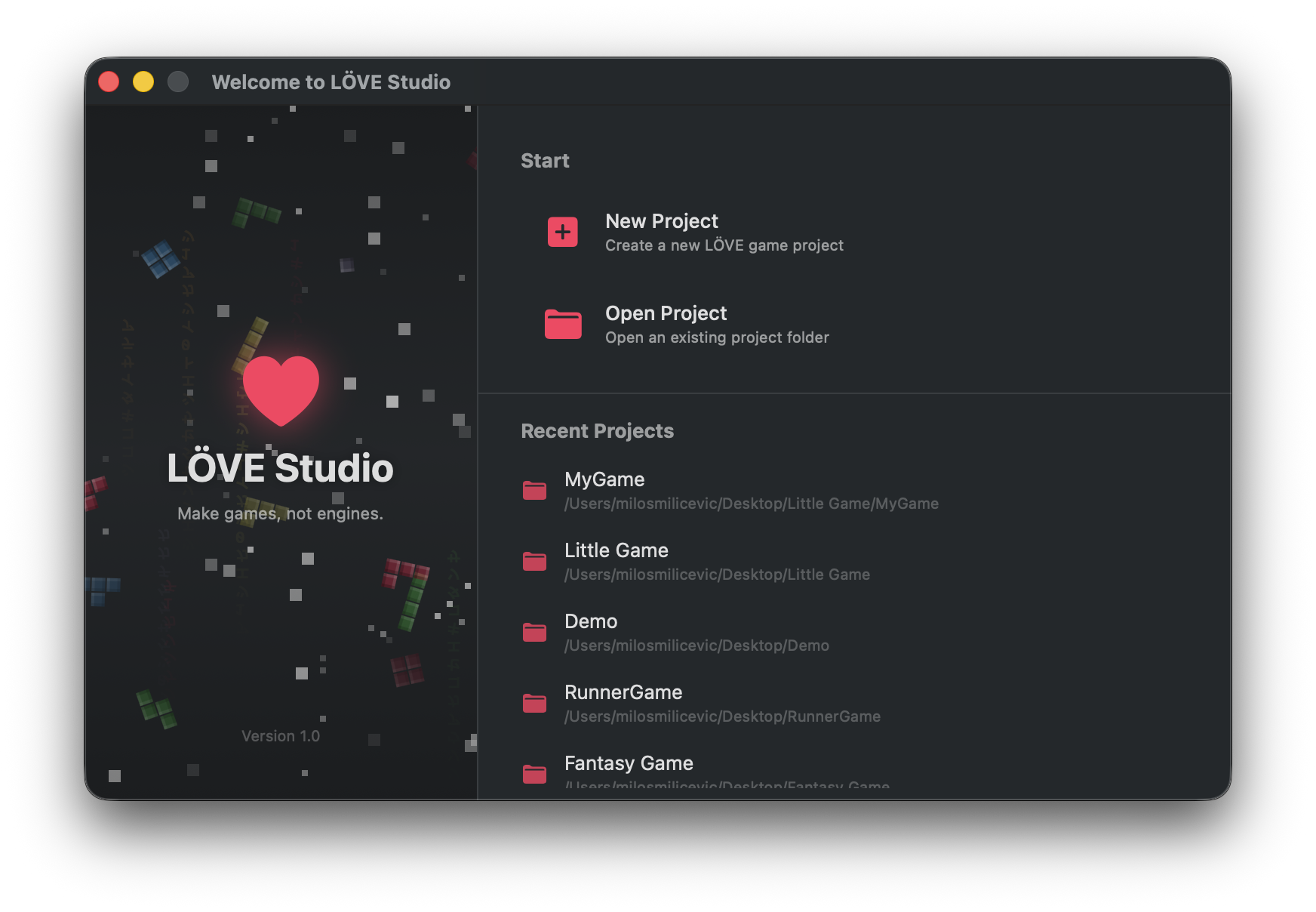
LÖVE Studio is a native macOS IDE built specifically for developing 2D games with the LÖVE2D framework. It provides a full suite of visual editors, asset tools, and code generation utilities so you can build LÖVE2D games faster without leaving your editor.
Application is open source in: https://github.com/milos-mkv/Love-Studio
Requirements
- macOS 13 or later
- LÖVE2D runtime is bundled, no separate installation required
- Xcode 15+ (if building from source)
Features
Git Support
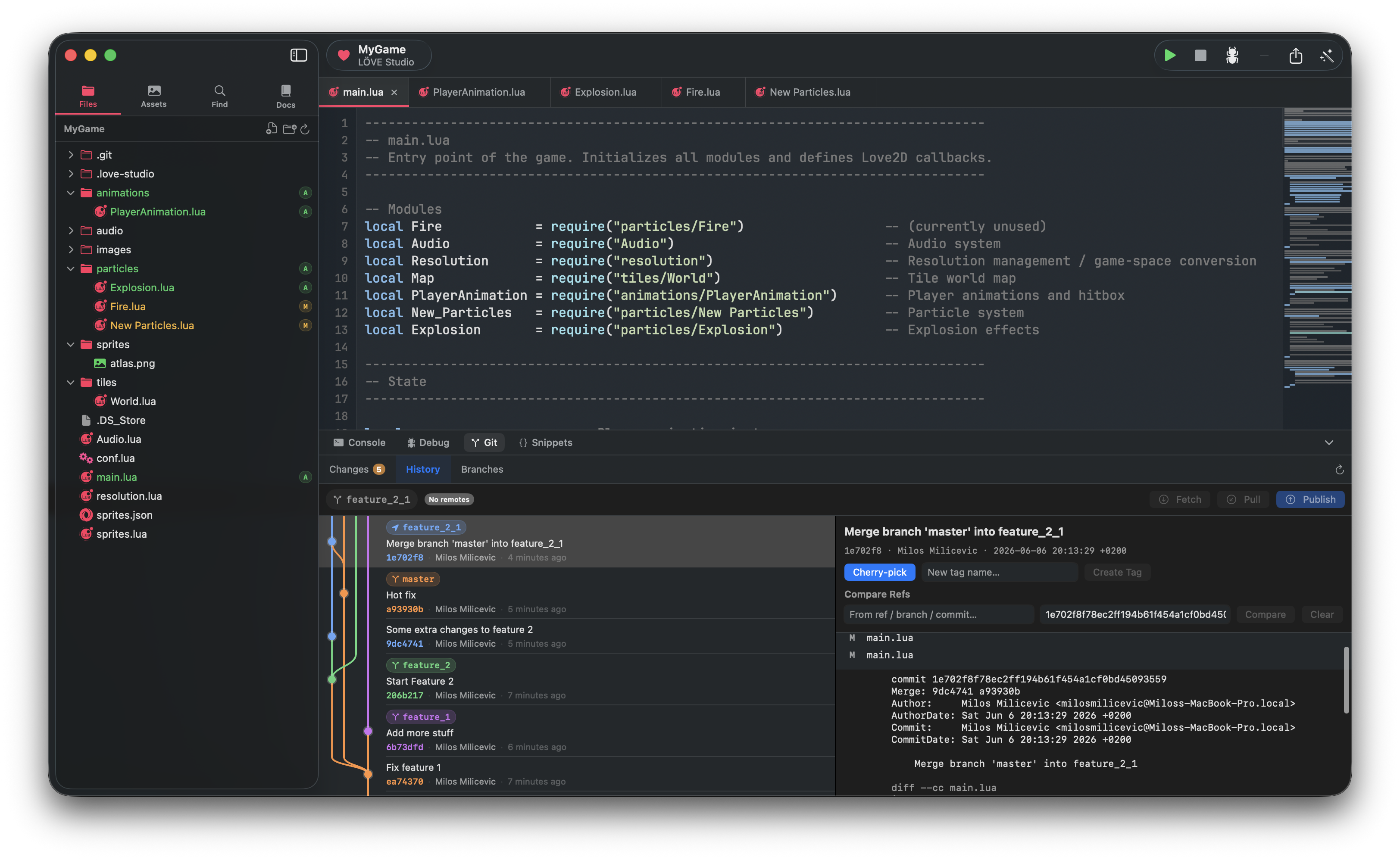
LÖVE Studio has built-in git integration directly in the sidebar. You can track the status of every file in your project without leaving the editor, see which files have been modified, added, or deleted, and initialize a repository on the spot if the project is not yet under version control.
Particle System Editor
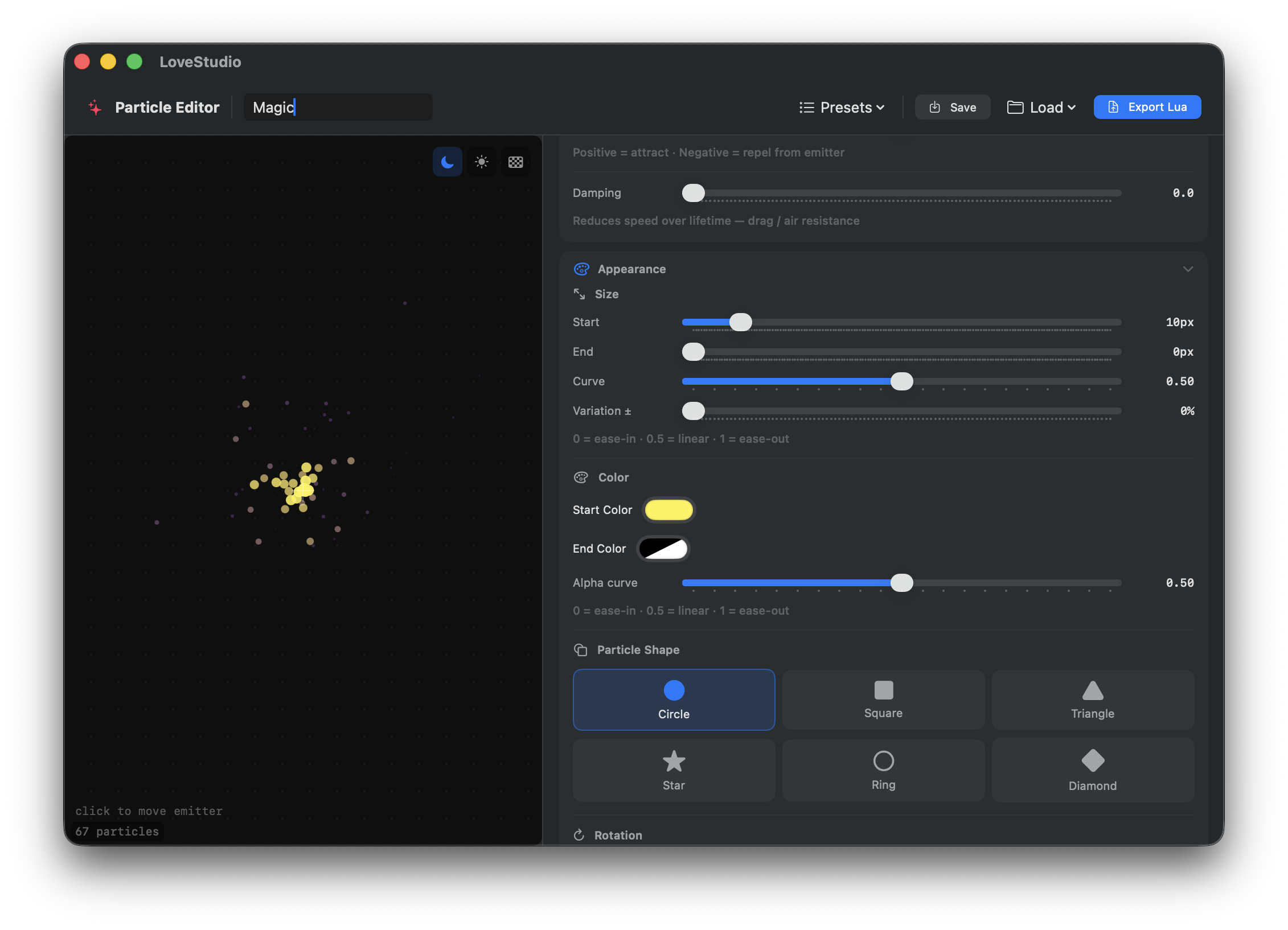
A dedicated particle editor lets you design and tune effects entirely visually. You have full control over emission rate, lifetime, velocity, acceleration, rotation, gravity, damping, scale, and color gradients with transparency over time. Custom textures are supported. Every configuration can be saved per project and reloaded at any time. The editor generates a complete Lua module ready to drop into your game.
Audio Manager
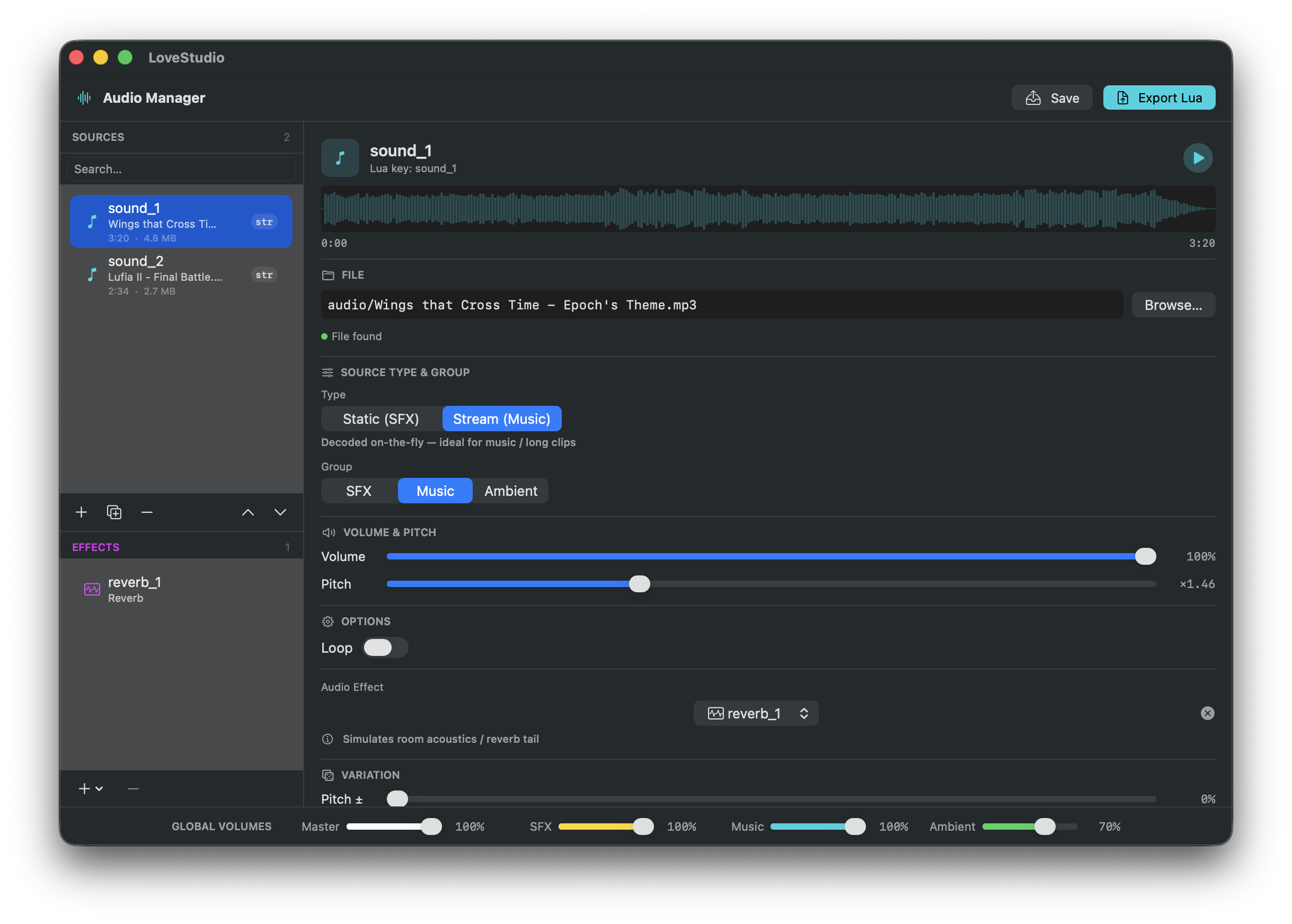
All audio assets for a project are managed in one place. The audio manager supports both music tracks and short sound effects, lets you set volume and pan per asset, and keeps everything organized by category. It generates a Lua module that handles loading, playing, stopping, and grouping sounds so you do not have to write that boilerplate yourself.
Animation Editor
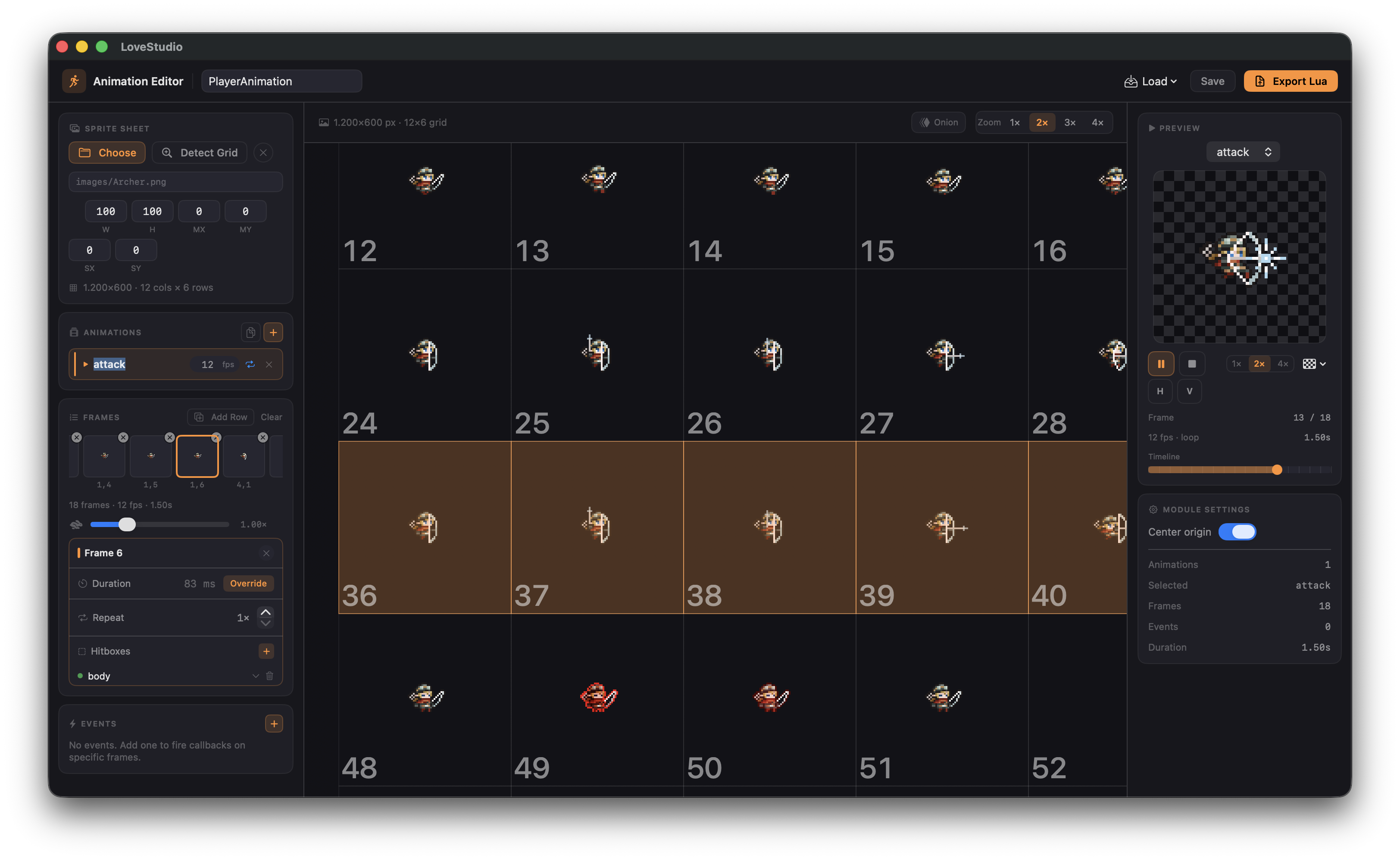
The animation editor handles all sprite animation for your game. It supports frame-by-frame editing, configurable playback speed, looping, and saving multiple named animations per spritesheet. Configurations are stored per project and the editor generates a Lua animation manager module with a simple API for playing and switching animations at runtime.
Image Editor
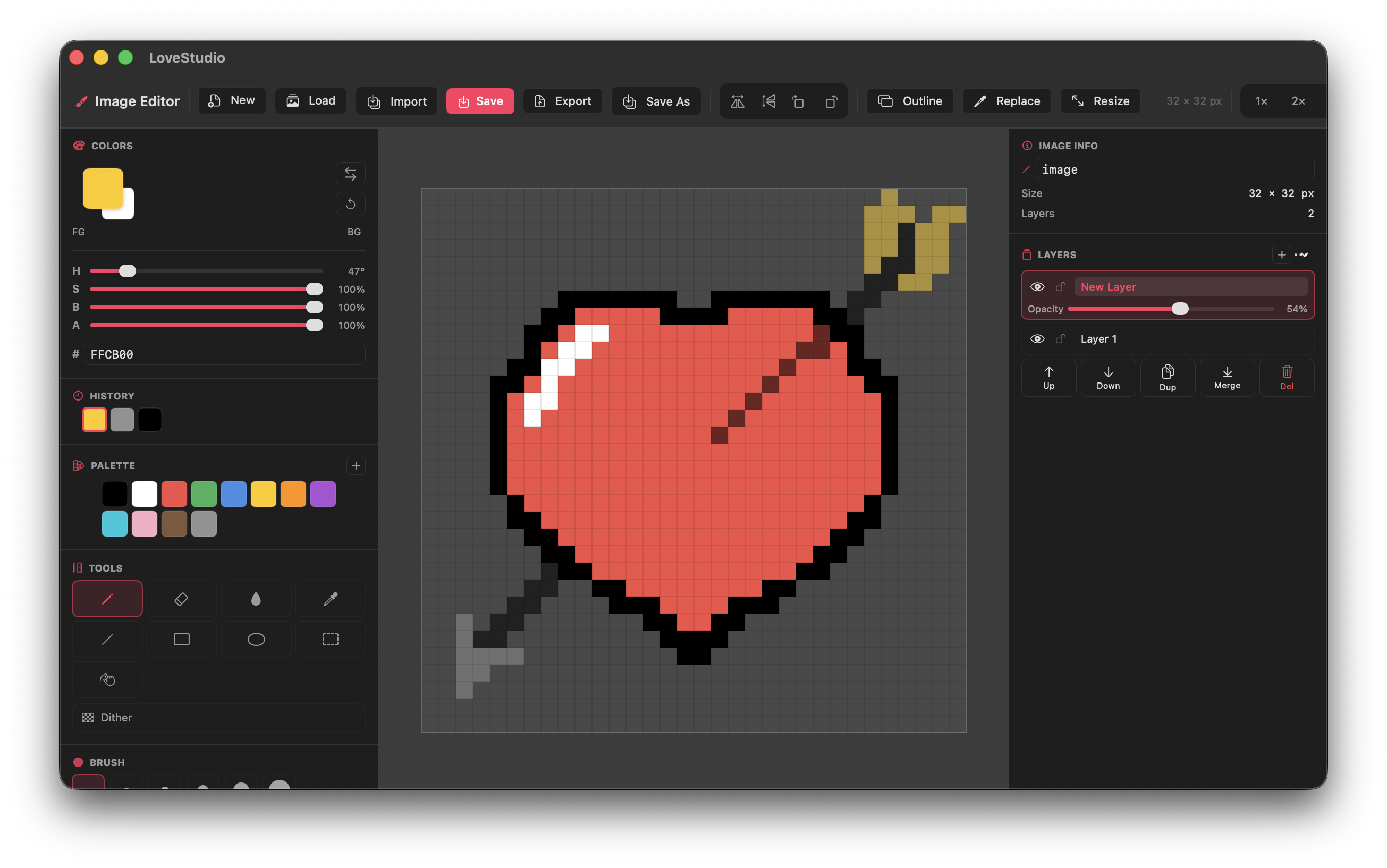
A full pixel art editor is built directly into LÖVE Studio so you can create and edit assets without switching to an external tool. It supports multiple drawing tools, layers with compositing, a color picker, palette management, X and Y axis symmetry, grid overlay, dithering, and multi-frame editing for spritesheets. All edits are non-destructive and backed by undo/redo history.
UI Builder
The UI builder lets you lay out in-game interfaces without writing positioning code by hand. Elements are placed and resized on a canvas with drag-and-drop, properties like text, color, size, and position are editable in a panel, and multiple elements can be selected and moved together. Layouts are saved per project and the builder generates a Lua UI module that renders the interface in LÖVE2D.
Scene Manager
The scene manager gives you a visual overview of every scene in your game and how they connect. You can define scenes, configure transition types between them, set which scene loads first on startup, and view the full hierarchy on a node canvas. It generates a Lua scene system that handles loading, unloading, and switching between scenes at runtime.
Debugger
LÖVE Studio includes a built-in debug server that connects to your running game. You can set breakpoints on any line, the game will pause execution when a breakpoint is hit and report exactly which file and line it stopped at, and the editor will jump to that location automatically. This lets you inspect game state at runtime without adding print statements to your code.
Tilemap Editor
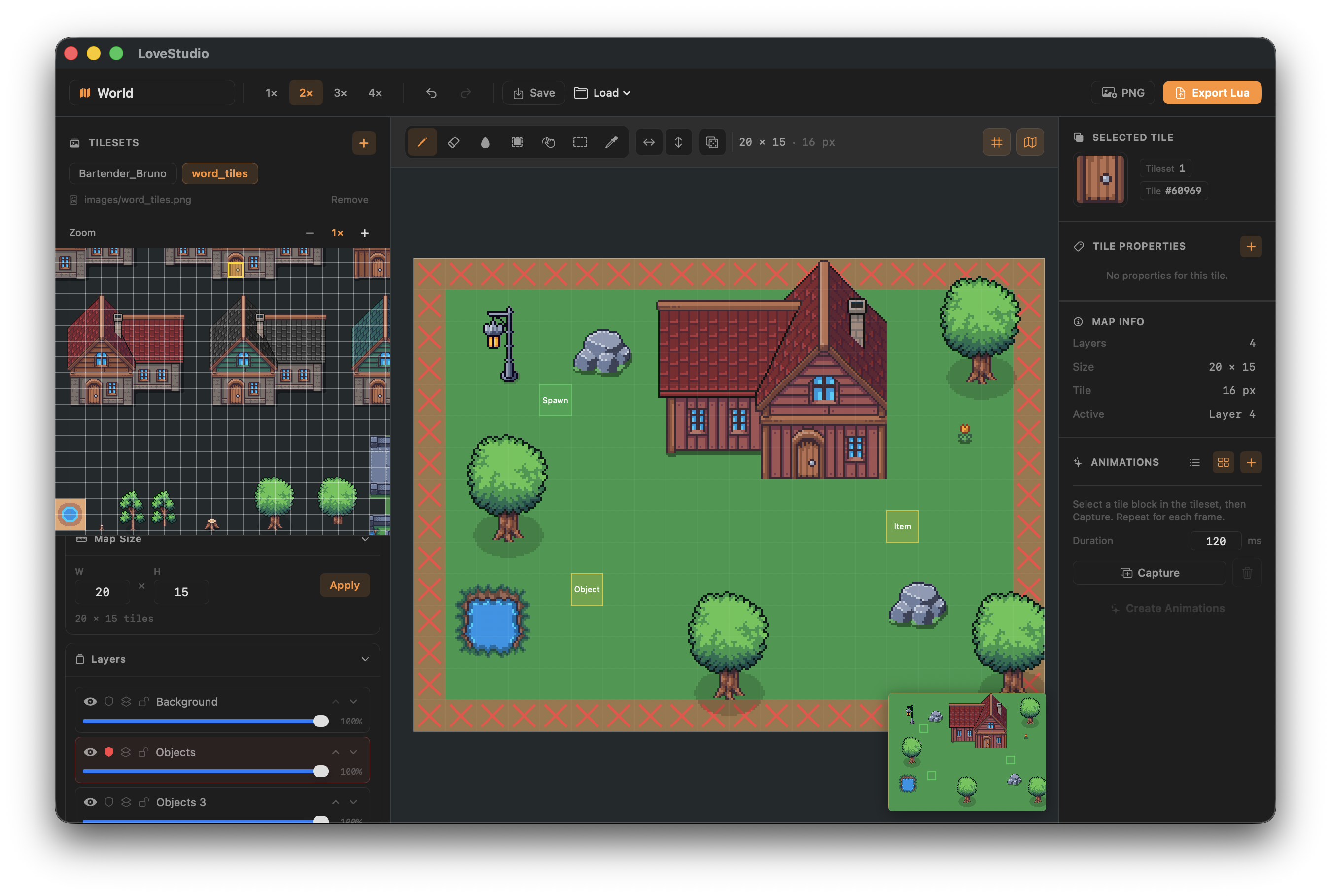
The tilemap editor supports multi-layer tile-based level design. You can import tilesets, paint tiles across as many layers as you need, mark tiles as collidable on a dedicated collision layer, and navigate large maps with a minimap. The editor exports a Lua configuration that your game loads at runtime to reconstruct the full map including layer data and collision information.
Other Features
Code Editor
The core of LÖVE Studio is a Lua code editor with first-class support for the LÖVE2D API.
- Syntax highlighting for Lua
- Line numbers and minimap for navigation
- Multi-tab editing for multiple files
- Autocomplete panel with LÖVE2D API suggestions
- Function signature hints while typing
- Word wrap and configurable font size
- Auto-closing brackets and quotes
- Jump-to-line and find in project
- Debugger integration with breakpoint support
Game Runner
Run your LÖVE2D project directly from the editor with a single click.
- Launches `love` process for the open project
- Console output panel with configurable buffer size
- Hot reload: saves trigger automatic restart
- Error output linked back to source lines
Spritesheet Packer
Pack individual images into a single atlas or merge multiple tilesets.
**Atlas Packer mode:**
- Drag-and-drop image import (files and folders)
- Automatic shelf-based bin packing
- Configurable padding, power-of-two sizing, and max atlas size
- Trim transparent edges per sprite before packing
- Inline sprite renaming directly in the list
- Drag to reorder sprites
- Duplicate detection with warning
- Live atlas preview with checkerboard transparency background
- Exports atlas PNG + Lua module + JSON metadata
**Tileset Merge mode:**
- Merge multiple tilesets into a single combined atlas
- Configurable tile size and max atlas width
- GID mapping table showing first/last tile IDs per sheet
- Merged atlas preview
- Exports merged PNG
Camera Configuration
Configure a 2D camera system for your game.
- Camera follow modes
- Zoom settings
- Camera shake parameters
- Deadzone configuration
- Boundary and clipping area settings
- Live animated camera preview
- Generates Lua code for the camera module
Font Manager
Manage all fonts used in your game.
- Import custom font files
- Configure font sizes and properties
- Generates Lua code for font loading
Resolution Scaler
Configure how your game handles different screen sizes.
- Set base resolution and scaling mode
- Letterboxing and aspect ratio options
- Preset resolutions (320x180, 640x360, 1920x1080, and more)
- Generates Lua code for the resolution scaling system
Save System Manager
Design your game's save file structure visually.
- Define save fields with names and types
- JSON preview of the save data structure
- Generates Lua code for save and load functionality with validation
Built-in LÖVE2D Documentation
LÖVE Studio includes a full LÖVE2D API reference browser so you never have to leave the editor to look something up.
- Organized by module (love.graphics, love.audio, love.physics, etc.)
- Search functions and callbacks by name
- View parameters, return values, and descriptions inline
Code Snippets
A built-in snippet library gives you quick access to reusable Lua patterns for common game development tasks.
- Snippets organized by category
- Search by name or description
- Favorites and recently used tracking
- One-click insert into the active editor
Code Generation
Every visual tool generates clean, well-commented Lua modules that integrate directly into a LÖVE2D project structure. Generated files include:
- A module table with `load()`, `update()`, and `draw()` functions where applicable
- Inline comments explaining how to require and use each module
- A quick-start section at the top of each file
Export Project
LÖVE Studio includes a built-in export system that packages your finished game for sharing or distribution. Three export formats are supported:
- **.love Archive** - Zips the entire project into a `.love` file compatible with any LÖVE2D runtime. This is the standard way to share a LÖVE2D game.
- **macOS App Bundle** - Builds a standalone `.app` using the bundled `love.app` runtime. The result runs on macOS without requiring LÖVE2D to be installed separately.
- **Android APK** - Packages the game as an Android APK with the game embedded. Requires a `love-android.apk` runtime template to be provided.
Download
Click download now to get access to the following files:
Leave a comment
Log in with itch.io to leave a comment.